

Blog
Try the Real HDMI Switch Setup Before You Buy
- One TV. Every Console. No Port Drama.Jun 24 ›
- Nintendo Switch 2, PS5, and Soundbars: How to Plan HDMI Ports and Cables in 2026Jun 18 ›
- HDMI 2.2 and Ultra96: What Home Theater Buyers Should Know Before UpgradingJun 18 ›
- PS5 and Xbox Series X Black Screen on HDMI Switch — Fix It Once and For AllMay 26 ›
- Playstation 6: everything we know so far about sony’s next-gen consoleSep 22 ›
Try the Real HDMI Switch Setup Before You Buy

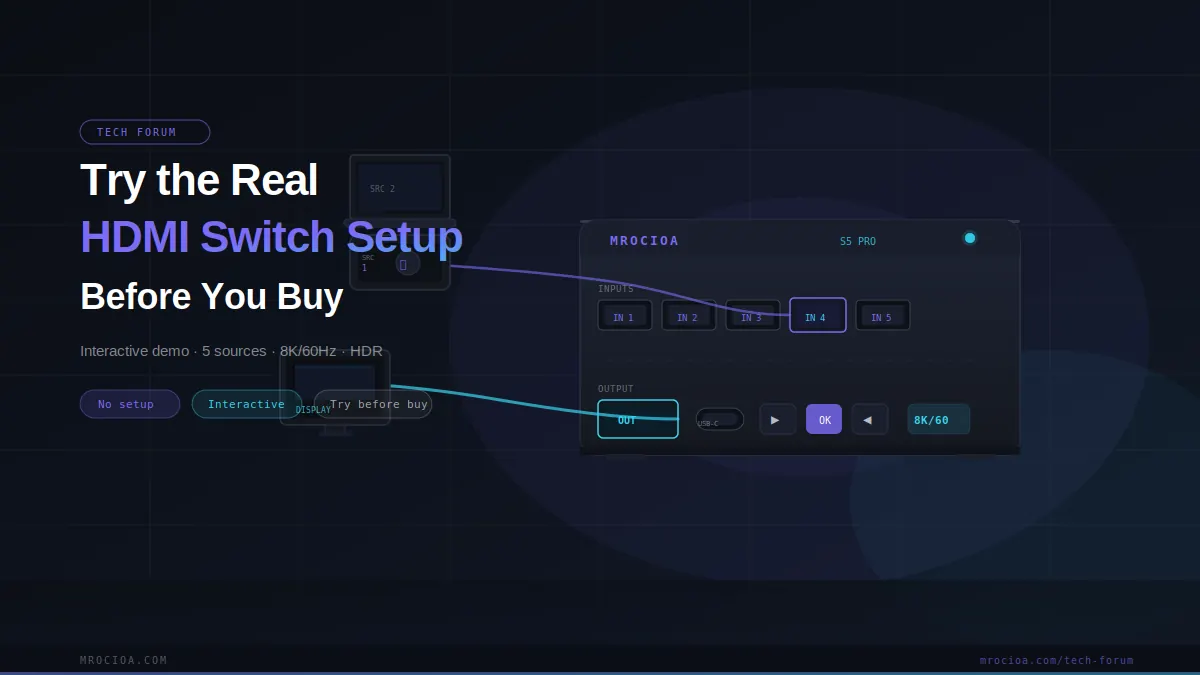
Read the guide below
Try the Real HDMI switch Setup
Before You Buy
Specs tell you what a product supports. The demo above shows you how it actually behaves — with the devices already in your living room.
When shopping for an HDMI switch, a spec sheet can only tell you so much. A listing might say 5-in-1-out, 4K, CEC, eARC, and auto-switching — but none of that answers the questions that actually matter before you commit to a purchase.
Will my PS5 switch correctly? Will Apple TV 4K trigger auto-switching? Can I still control soundbar volume with the TV remote? Does Xbox Series X handle CEC the same way other devices do?
The S5 Pro Virtual Room is built to help you answer those questions in real time — not as a recommendation engine, but as a working simulation of how an HDMI switch behaves with the devices most people use.
How the Demo Is Set Up
The five channels are pre-wired with a typical living room configuration:
- CH 1Soundbar
- CH 2PS5
- CH 3Xbox Series X
- CH 4Apple TV 4K
- CH 5PC
Think of it as an HDMI switch that’s already wired and ready. Use the demo to switch channels, toggle HDMI port modes, turn the soundbar on or off, and watch how the system responds in real time.
Start With HDMI vs. eARC
Beneath the TV, you can toggle between a standard HDMI port and an eARC port. This is where many buyers get caught off-guard: they think carefully about the picture, but overlook how audio routing and remote control behavior change depending on which port is active.
If you use a soundbar at home, test this first. A proper HDMI switch setup isn’t just about getting video on screen — it’s about getting the right sound from the right place, with the right remote control behavior.
Auto-Switching vs. Manual Switching
The demo simulates both modes. Auto-switching sounds like the obvious choice — but it doesn’t behave consistently with every device.
When Apple TV 4K is selected, for example, auto-switching doesn’t work as expected. The demo explains exactly why. This is one of the most common misunderstandings when comparing HDMI switches online: listing auto-switching as a feature doesn’t mean every connected device will reliably trigger it.
If Apple TV 4K is central to your setup, pay close attention to this part. It may help you decide that manual switching is the more reliable choice.
The Soundbar: On vs. Off
Channel 1 is the soundbar, and you can toggle it directly in the demo.
- Soundbar off — Audio routes through the TV’s built-in speakers
- Soundbar on — Audio routes through the soundbar, with CEC volume control via the TV remote
The goal isn’t just for sound to work — it’s for the volume control experience to remain simple and natural, even when multiple devices are in the chain.
CEC: What Works and What Doesn’t
The demo includes basic CEC universal remote simulation. The behavior varies significantly by device:
- PS5 — Playback controls (play, pause) via TV remote are supported
- Apple TV 4K — Playback controls via TV remote are supported
- Xbox Series X — CEC remote control is not supported
CEC implementation varies by manufacturer. Some devices support it fully; others have limited or partial support. If controlling everything from a single TV remote matters to you, this is worth testing before you buy.
What You’ll Know After Five Minutes
Questions the demo answers
- Is auto-switching reliable enough, or is manual control the better fit for your setup?
- How does audio routing change when the soundbar is on vs. off?
- What’s the practical difference between HDMI and eARC in a real setup?
- Why does Apple TV 4K behave differently from PS5 in auto-switching mode?
- Which devices actually support full CEC remote control?
- Can a single HDMI switch genuinely simplify a multi-device living room?
An HDMI switch changes more than just how many devices can share a screen. It changes how audio is routed, how devices switch, and how your remotes behave. Five minutes with the demo above will give you more confidence than any spec table.
Not sure which switch is right for you?
Tell us how many devices you're connecting and the resolution you need — we'll match you to the right switch in 30 seconds.
Find my switch →