

PS5 and Xbox Series X Black Screen on HDMI Switch — Fix It Once and For All

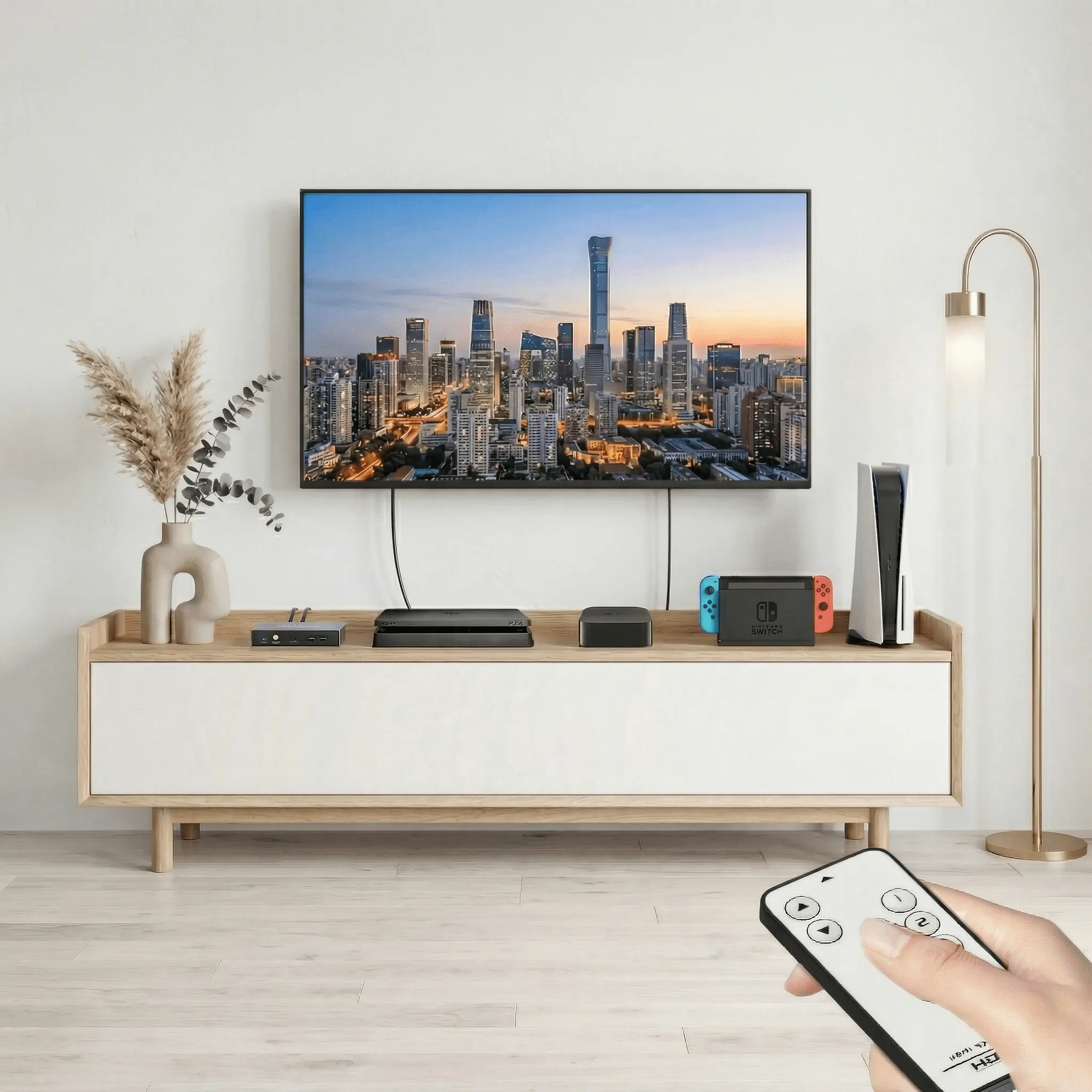
PS5 and Xbox Series X Black Screen on HDMI Switch — Fix It Once and For All
You just switched back to your PS5 or Xbox Series X. Black screen. Nothing.
You were on PS4, Nintendo Switch, or an older device a minute ago — everything was fine. Now your next-gen console won't display. You unplug the HDMI, plug it back in. Wait. Still nothing.
This happens to a lot of people. And almost nobody knows why.
The problem is your HDMI switch. PS5 and Xbox Series X use a newer copy-protection standard than PS4 and Nintendo Switch. Most HDMI switches on the market aren't built to handle both at the same time — so when you switch back to your next-gen console, it fails to display.
It's a compatibility problem that most switches simply weren't designed to solve.
You've probably already tried these:
- ✕Unplugging and replugging the HDMI cable Works sometimes, fails most of the time.
- ✕Turning the console off and back on Same result.
- ✕Disabling HDCP in your PS5 settings This actually works, but it breaks streaming apps like Netflix and Disney+. Not a real fix.
- ✕Buying a more expensive cable Cable quality has nothing to do with this problem.
The only real fix is an HDMI switch that's built to handle both old and new copy-protection standards at the same time.
Built exactly for this. It handles the copy-protection handshake correctly across all five ports — whether you're switching from Nintendo Switch to PS5, or from PS4 to Xbox Series X. Every time.
No unplugging. No restarting.
You switch. It works.
No disabling content protection. No workarounds. Just switch.
- ✓ You have PS5 or Xbox Series X connected to the same HDMI switch as PS4, Nintendo Switch, or any older device
- ✓ You've experienced the black screen when switching back to your next-gen console
- ✓ You've tried the usual fixes and they didn't stick
- ✓ You want it to just work, every time, without thinking about it