

Thunderbolt 5 vs USB4 80Gbps: Which Cable Do You Actually Need?

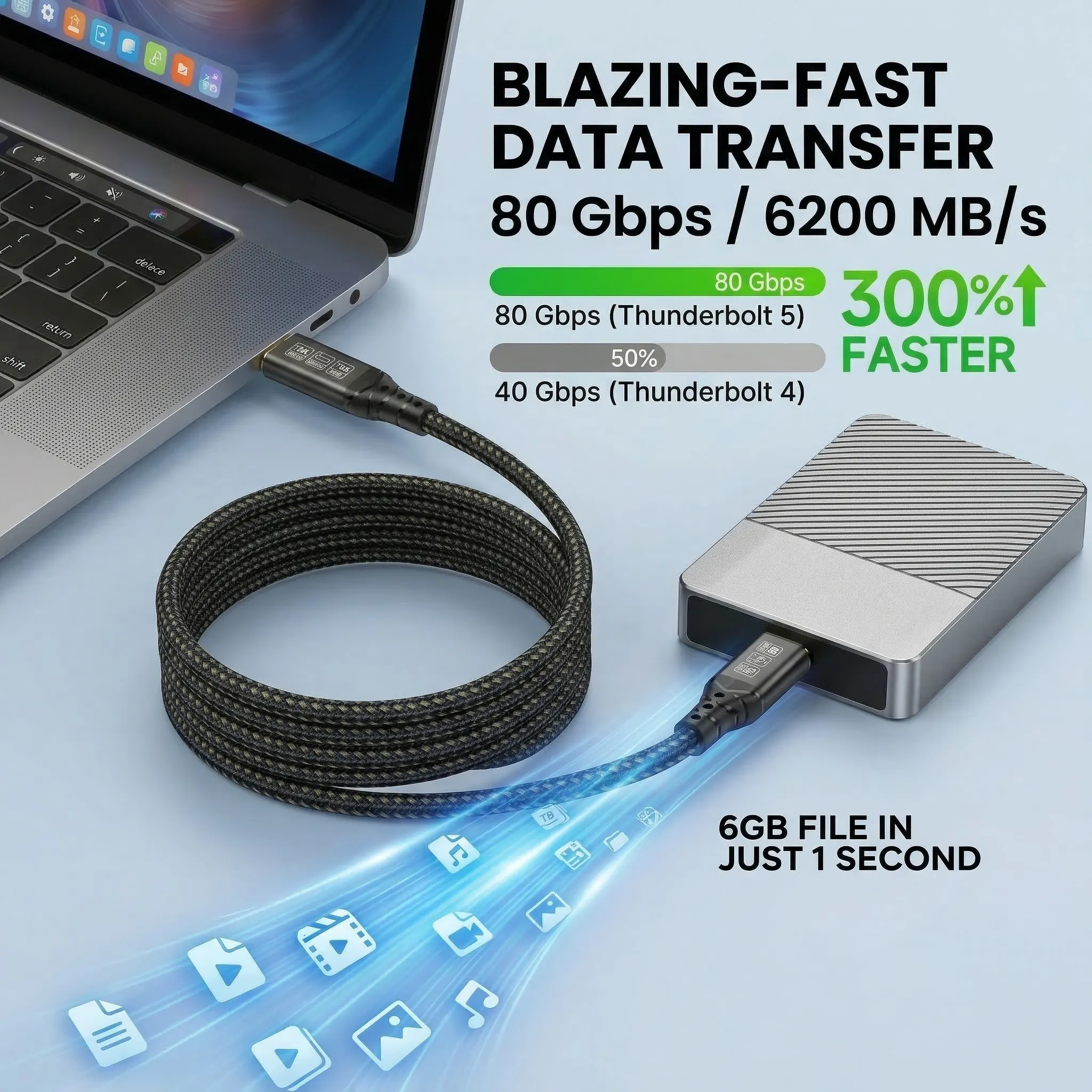
A cable marked Thunderbolt 5 and one marked USB 80Gbps can look identical, use the same USB-C connector, and advertise the same headline speed. Then a third label says 120Gbps, while the power badge says 240W. The numbers are real, but they describe different parts of the connection.
Choose Thunderbolt 5 when both your computer and dock are Thunderbolt 5 and you need the most predictable high-end display, PCIe, and backward-compatibility behavior. A properly labelled USB4 80Gbps cable can be enough for an 80Gbps USB4 chain. For charging only, buy for the wattage you need. A faster cable cannot add speed, displays, or charging power that the host, dock, charger, or monitor does not support.
First, solve the 80Gbps vs 120Gbps confusion
Thunderbolt 5 provides up to 80Gbps of bidirectional bandwidth. That is the normal balanced mode: the connection can move large amounts of data in both directions. When the link detects a display-heavy workload, Intel’s Bandwidth Boost can redistribute the lanes to provide up to 120Gbps in the display direction while retaining 40Gbps in the other direction.
That does not mean a file copies at 120Gbps in both directions. It means a compatible Thunderbolt 5 system can prioritize outbound display traffic for demanding monitor arrangements. The honest shorthand is therefore 80Gbps bidirectional, up to 120Gbps for display-heavy traffic.
The cable is only one link in the chain. To use the higher mode, the computer port, operating system, GPU, dock or adapter, cable, and display path must all support the required configuration.
Thunderbolt 5 vs USB4 80Gbps
Thunderbolt 5 is built on USB4 Version 2 architecture, so the two standards share important technology. The practical difference is not the connector shape. It is the set of capabilities and testing requirements attached to the label.
Swipe horizontally to compare all four connections →
| Connection | Maximum link | Display behavior | Power label | Best fit |
|---|---|---|---|---|
| Thunderbolt 5 | 80Gbps bidirectional | Up to 120Gbps Bandwidth Boost on a compatible chain | Up to 240W support; actual charge varies | TB5 docks, fast storage, demanding multi-display workstations |
| USB4 80Gbps | Up to 80Gbps | Display tunneling depends on the host and device implementation | Check the separate 60W or 240W mark | USB4 80Gbps hosts and devices with clearly documented requirements |
| Thunderbolt 4 / USB4 40Gbps | Up to 40Gbps | Enough for many dual-display and dock setups | Varies by cable | Current 40Gbps laptops and docks |
| USB-C charging cable | May be USB 2.0 or another lower data rate | May not support video at all | Can still be marked 240W | Charging when high-speed data and video are unnecessary |
Thunderbolt certification mandates a more consistent minimum feature set for shipping Thunderbolt computers, accessories, and cables. USB4 products can also be excellent, but buyers must read the explicit speed, display, power, and compatibility information instead of treating every USB4 or USB-C product as equivalent.
Pick your setup
Match the cable to the workload. Every recommendation assumes the rest of the chain supports the requested mode.
Which cable should you buy for each real setup?
1. Charging a laptop with no dock or monitor
You do not need Thunderbolt 5 just to charge. Look for the USB-IF power mark—60W or 240W—and confirm the charger and laptop support the desired USB Power Delivery level. A 240W cable describes its safe maximum; it does not force 240W into the device.
2. A Thunderbolt 4 laptop and 40Gbps dock
A Thunderbolt 5 cable is backward compatible, but it cannot turn a 40Gbps port into an 80Gbps port. If the existing cable is stable and supports the required charging power, there may be no immediate performance reason to replace it. Upgrade for future hardware, cable replacement, or a higher power requirement—not because the number alone is newer.
3. A Thunderbolt 5 computer, dock, fast SSD, and displays
This is where Thunderbolt 5 makes sense. A fast external SSD, high-speed networking, and multiple displays can compete for the same link. The extra bandwidth gives the dock more room to carry PCIe data and display traffic together. Use a Thunderbolt 5 cable between the host and dock, then verify that every downstream cable and adapter supports its assigned job.
4. A USB4 80Gbps host and USB4 80Gbps device
A USB 80Gbps cable with the correct power rating can be the direct match. Check whether you also need Thunderbolt 3 compatibility, a particular display arrangement, or a certified Thunderbolt workflow. Compatibility is negotiated to the best mode supported by both ends; the USB-C plug alone tells you almost nothing.
5. 4K 240Hz, dual 8K, or another display-heavy layout
Start with the computer’s official display-support page, not the cable box. Apple, for example, documents different external-display limits by chip and port configuration. Windows laptops vary by GPU, firmware, dock, and DisplayPort implementation. A cable advertised for dual 8K is a required transport component in a compatible design, not a guarantee that every USB-C laptop can drive two 8K panels.
Why a 240W label does not describe data speed
USB data and USB Power Delivery are separate capabilities. A cable can support 240W charging and only low-speed data. Another can support 80Gbps data but be used with a computer that accepts 100W or 140W. USB-IF therefore uses combined labels that show the data rate and power rating separately.
Actual charging is determined by negotiation among the charger, cable, and device. If a 240W-rated cable connects a 100W charger to a laptop that accepts 65W, the result is no more than the mutually supported level. The larger number gives capacity; it does not override device limits.
Check all four layers before blaming the cable
Confirm Thunderbolt 5, USB4 80Gbps, Thunderbolt 4, or ordinary USB-C. Port shape is not a specification.
Read its host-link speed, display outputs, PCIe allocation, operating-system support, and host charging limit.
Check both the data rating and the 60W/240W power mark. Do not infer one from the other.
Confirm GPU, resolution, refresh rate, DSC, adapter, and monitor support for the complete path.
If a display flickers or an SSD runs slowly, test a shorter direct path first: computer to device, with the dock or adapter removed where possible. Then add components back one at a time. This separates a cable limitation from a dock bandwidth split, firmware issue, unsupported display mode, or power shortfall.
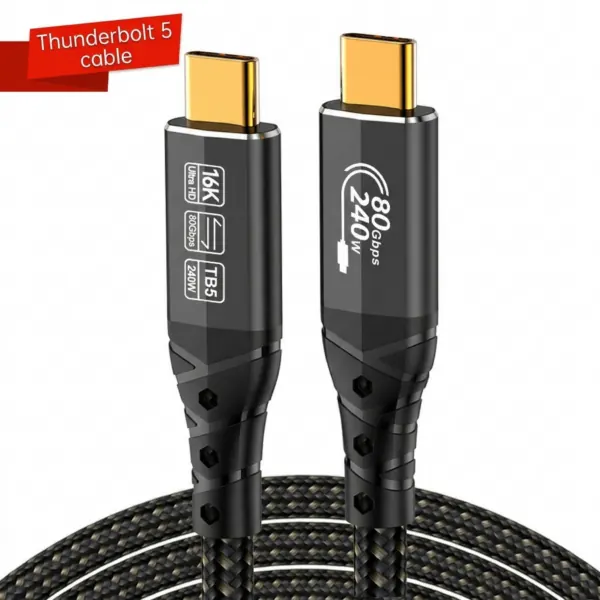
MROCIOA T5, 3.3ft
Designed for an 80Gbps bidirectional Thunderbolt 5 link, up to 120Gbps display-heavy bandwidth, and up to 240W power delivery in a compatible host–dock–device chain.
Frequently asked questions
Is Thunderbolt 5 faster than USB4 80Gbps?
Both can operate at an 80Gbps link rate. Thunderbolt 5 adds a mandated capability set and can use up to 120Gbps Bandwidth Boost for display-heavy traffic on a compatible system. A specific USB4 implementation may offer different display, PCIe, charging, and compatibility behavior.
Is Thunderbolt 5 80Gbps or 120Gbps?
Both numbers describe valid modes. Thunderbolt 5 is up to 80Gbps bidirectional. Bandwidth Boost can reallocate the link to provide up to 120Gbps in the display direction and 40Gbps in the other direction.
Can a 240W USB-C cable transfer data at 80Gbps?
Only if it is separately rated for USB 80Gbps or Thunderbolt 5. The 240W mark describes power capacity, not data speed.
Do I need a Thunderbolt 5 cable for a Thunderbolt 4 laptop?
No. A suitable Thunderbolt 4 cable can deliver the laptop’s full 40Gbps capability. A Thunderbolt 5 cable can be useful as a backward-compatible replacement or for planned future hardware, but it will not make the Thunderbolt 4 port run at 80Gbps.
Can one Thunderbolt 5 cable run dual 8K displays?
It can carry the required traffic in a compatible Thunderbolt 5 design, but the host GPU, operating system, dock, adapters, and displays must all support that arrangement. Check the computer manufacturer’s exact display matrix.
Will a Thunderbolt 5 cable make any USB-C port faster?
No. The connection falls back to the best mode supported by both devices. An ordinary USB-C or USB4 40Gbps port keeps its original limit.